

Track your work, bill accurately, and automate your operations

The AI-native platform to manage utility construction

Get demo
New Build Zone 1.4/New update

Items0

    Powering >$500M of construction for the country’s best builders.

    • Fusion Telecom Services
    • Road Link
    • Public Safety Towers
    • Summit IG
    • CableSouth Construction
    • Intrepid
    • RLM Underground
    • Underline
    • Sellenriek Family of Companies
    • United Fiber
    • Brighton Connects

    A new breed of construction software.
    Unify your field and financial operations to automate your construction program.

    Get demo

    Bill accurately

    Production tracking linked directly to your invoices and bills that syncs with QuickBooks.

    Collect daily production and documentation from the field

    Stay on top of every project

    Unlock insights from field data with digital as-builts, custom reports, or forecasts.

    Build GIS or PDF as-builts in real time to visualize your construction progress

    Automate your 811 tickets

    Submit, track, and manage your 811 tickets for you and your contractors.

    Use AI to create and submit 811 tickets in bulk
    Invoice #487Suffolk, VA - Z1.4
    $0.00due
    DescriptionQtyAmount
    UG-100 18 × 36 handhole0 EA$0.00
    TR-12 12″ trench0 FT$0.00
    D02 Flowerpot0 EA$0.00
    HDD-2 2″ directional bore0 FT$0.00
    CN-2 2″ HDPE conduit0 FT$0.00
    Amount due$0.00
    Synced to QuickBooksInvoice #487 · just now
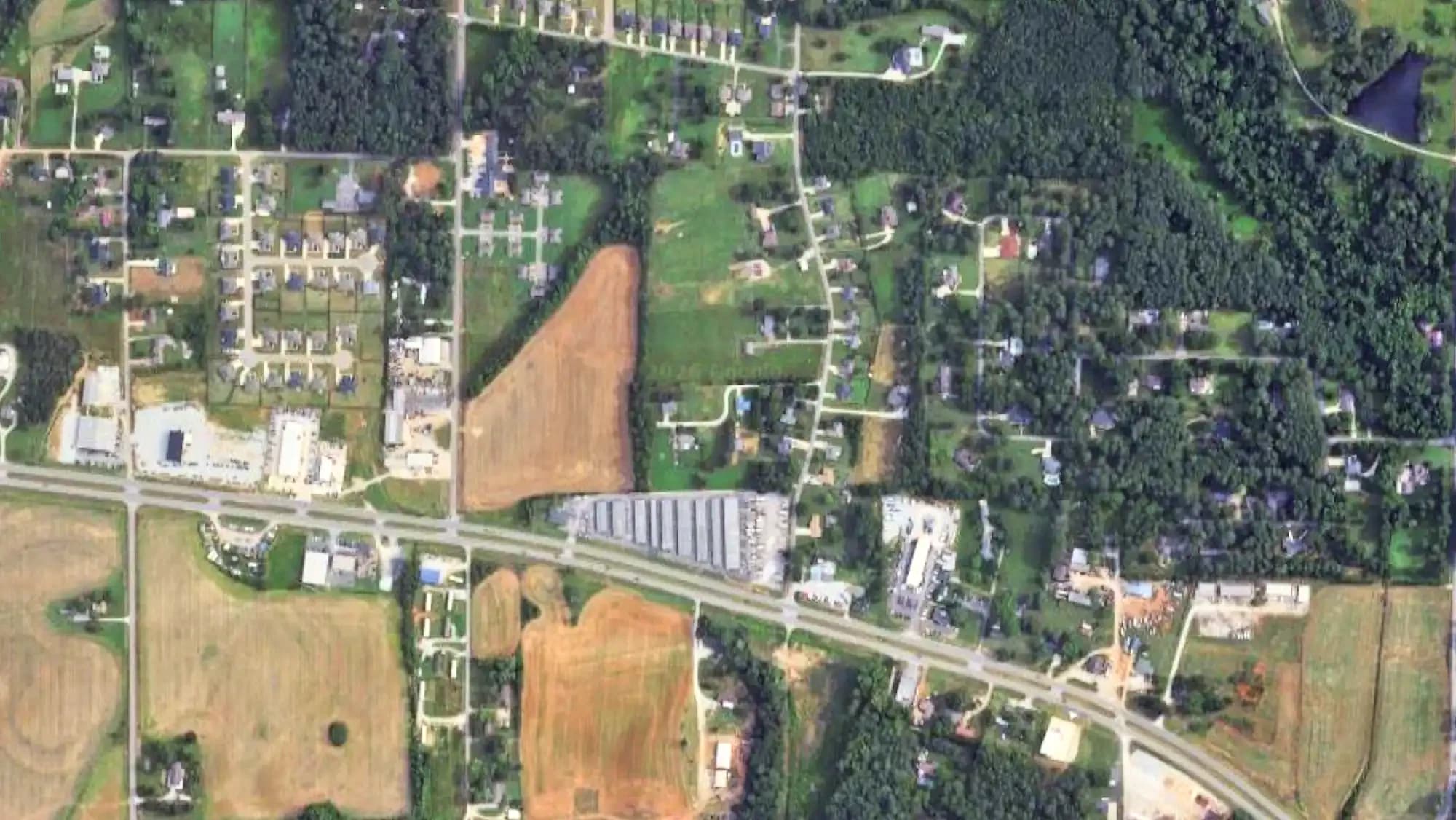
    As-builtSuffolk, VA - Zone 1.4

    “All of the data I need to be successful in my role is in Clad. Creating reports used to take me days. It’s down to minutes.”

    LindsayVP of Operations, CableSouth Construction
    Who it’s for

    Supporting companies building telecom, power and electric, water, and oil and gas infrastructure.

    • Track it all

      Establish a single source of truth for all of your information from the field.

    • Guarantee accurate billing

      Link bills and invoices to production, eliminating the risk of missing revenue or over-paying your vendors.

    • Scale your operations, not headcount

      Automate manual, repetitive work to free up your team to focus on higher-value work.

    Customer story

    How Fusion unlocked visibility on production and cut down on time spent invoicing

    Read more →

    Product Updates

    See all
    1. Production-Linked Accounts Payable - Beta

      Create subcontractor bills from the work your vendors have logged in Clad.

    2. Locates Address List Imports

      Upload a list of addresses to create draft 811 tickets at once.

    3. GIS Project Tracking

      Track progress on a map of your project's GIS design.

    FAQs

    What is Clad?

    Clad is project management and billing software, purpose-built for utility construction.

    We help contractors and asset owners track daily field activity, unlock project and program visibility, and bill accurately.

    Who is Clad for?

    Clad is purpose-built for telecom and utility construction.

    We partner with contractors that do telecom, power, electrical (transmission and distribution), water, oil & gas, and renewable deployment.

    We also work with asset owners - ISPs, dark fiber operators, and utilities to help expand their networks, speed up deployment, and manage maintenance.

    How does Clad work?

    Using Clad is simple, and we tailor the product to your specific workflows. People generally use Clad in three steps:

    1. Field Capture - we help you collect everything you need from the field. This typically spans red-lines (PDF or GIS as-builts), photos, production information, hours worked, equipment used, and other documentation like bore logs. We can also build custom tools to make it as easy as possible to get data into Clad.
    2. Automate billing - Clad lets you create invoices and tie vendor bills to approved production. This helps you avoid the risk of over- and under-billing, and also gives your operations and finance teams an easy ability to do full job costing.
    3. Reporting - Clad lets you build custom reports and dashboards so you can understand the health of your projects - whether it is just one project or hundreds. We also have an API so you can access any data in Clad. People use our reporting tools to manage project P&L, crew productivity reporting, and WIP tracking.

    Clad also has additional tools to support other admin workflows -

    1. Clad Locates - Clad Locates is an AI-powered tool to help you submit, track, and manage your 811 tickets.
    2. Clad Vendor Management - Clad Vendor Management lets you easily onboard subcontractors or other vendors, collect documents (like MSAs, COIs, etc.), and track their expiration. This also includes Bid Management tools that let you send out RFPs to vendors and compare quotes.
    How does Clad help improve our billing workflows?

    Clad helps you bill both quickly and accurately, all with the goal of helping you get paid faster.

    For getting paid (Accounts Receivable) - Clad helps you create invoices tied directly to production. This is specific to each customer and project agreement - handling the correct invoice format, retainage, or discounts. Clad is also integrated with Quickbooks, so invoices created in Clad are automatically synced to Quickbooks.

    For paying contractors (Accounts Payable) - Clad lets you receive bills from vendors as a ‘front door’ to handle operations approvals, and to tie production to bills. This unlocks job costing, since the vendor bills are always tied to a specific project.

    Clad does not replace your existing accounting or AP systems, we link operations and finance workflows.

    I only want to use one part of Clad. Do I need to buy everything?

    No.

    We sell Clad in modules, so the product is tailored directly to what you need. The modules are Project Management, Billing, Locates, and Vendor Management.

    How fast can we get started?

    It can take as little as a day to get your Clad account set up, and many companies start collecting field data in about a week.

    As a part of onboarding, we’ll build a custom implementation plan to make sure that we roll out quickly and that everyone on your team is trained.